Baby tracking that fits your family.
Rhythm is a browser-based baby tracker for feeds, sleep, diapers, pumping, and medicine, with free wake-window predictions computed from a baby's own logged history. It runs offline, keeps data on your device by default, and does not require an account to start.
Two dozen built-in event types, with full control to build your own using six modifier field types. Comprehensive defaults, but nothing is locked down: build the tracker your family needs, then arrange the dashboard to match.
Last updated: September 2026
Build any event type.
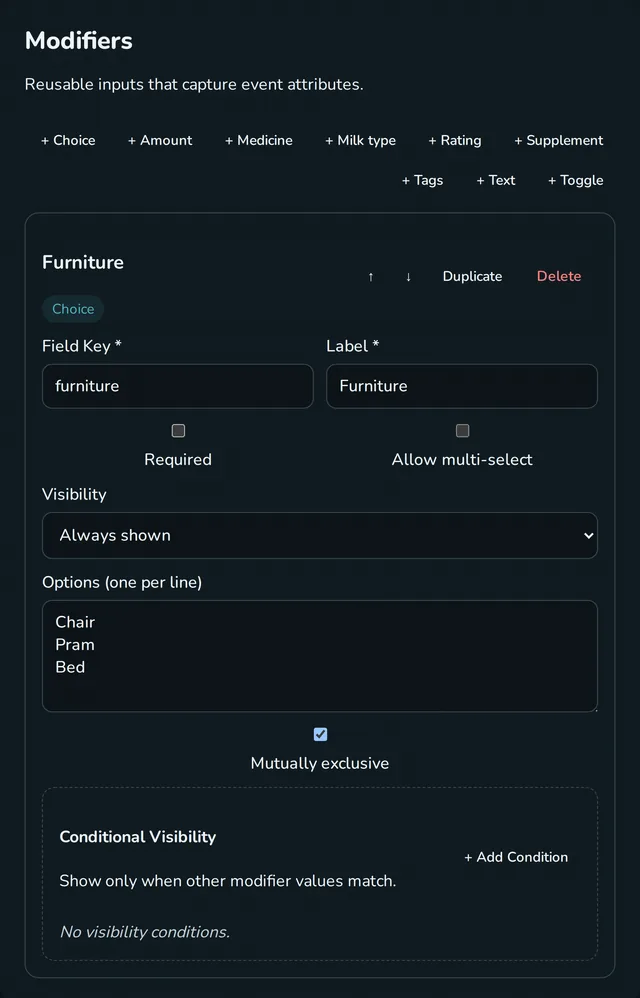
The built-in types (feeds, sleep, diapers, tummy time, and two dozen others) are presets, built from the same system you get (medicine and supplements are special). If something you need isn't there, build it: pick whether it happens at a point in time or has a duration, then chain modifier fields in any order. Six field types: choice selectors with single or multi-select, amounts with unit toggling (ml, oz, mg, drops), 1-5 ratings, free-form tags, toggles, and text.
Choice fields support exclusive options, so selecting "Clean" on a diaper automatically clears "Wet" and "Solid". These aren't special cases; they're settings you can configure on any choice field you create.
Your dashboard.
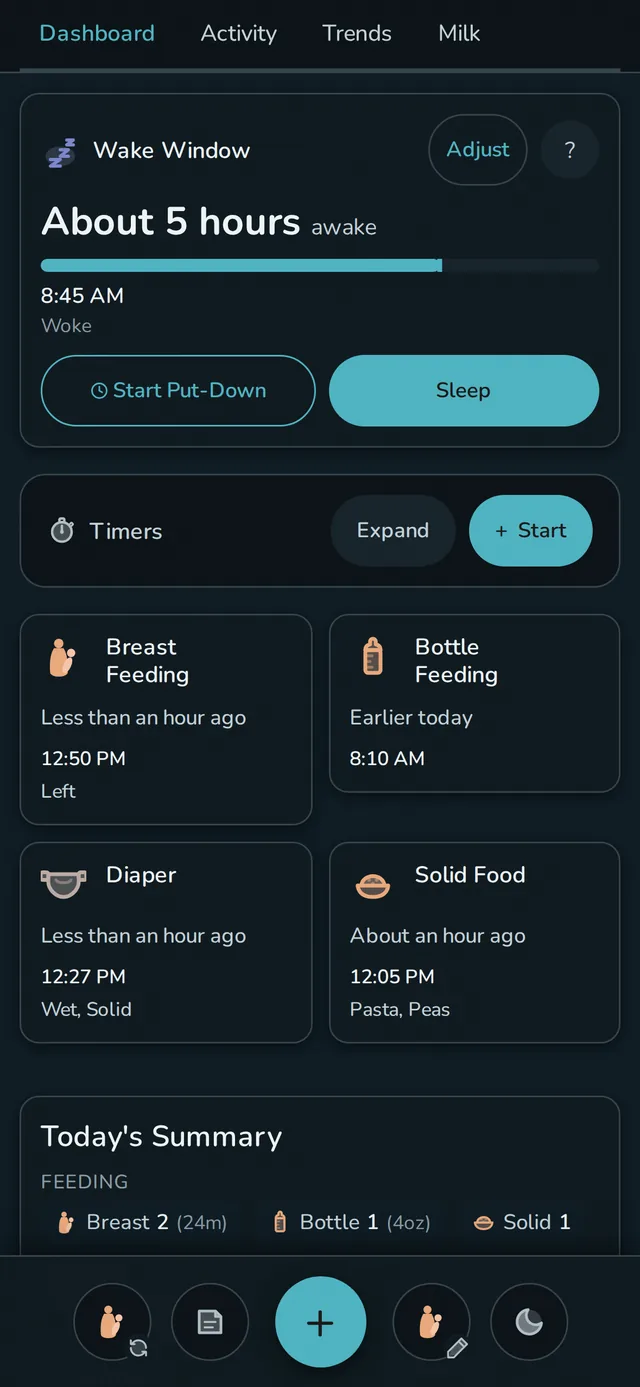
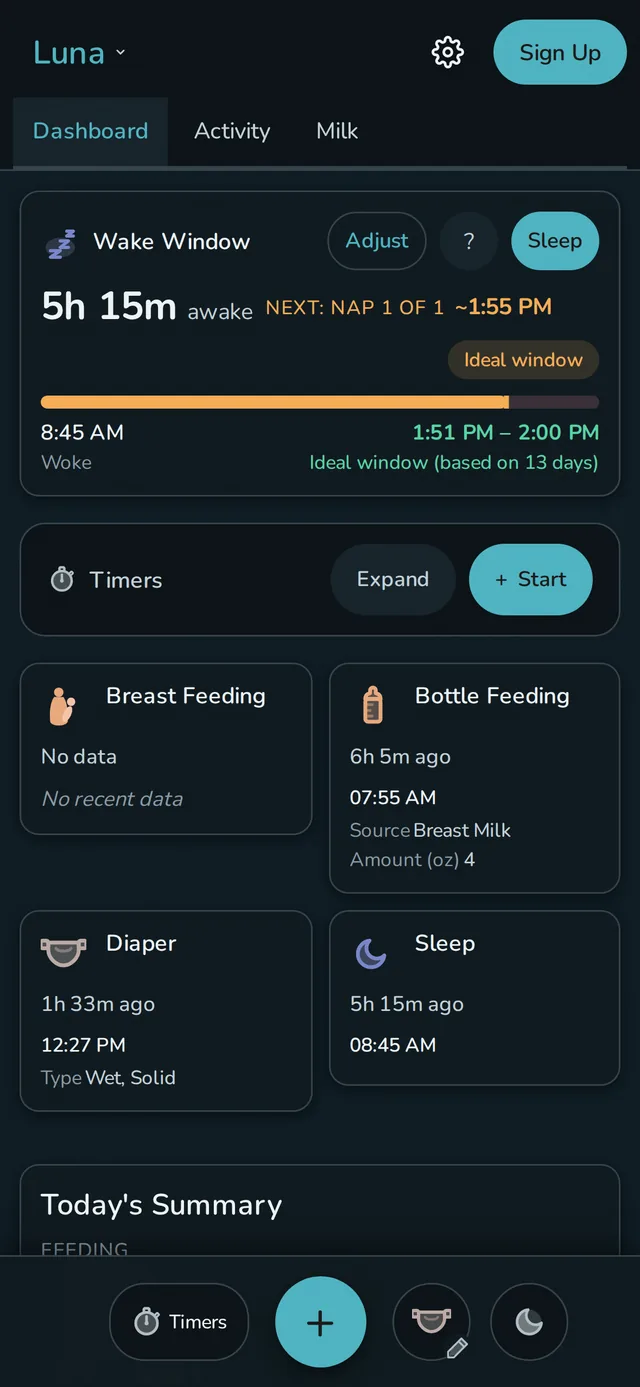
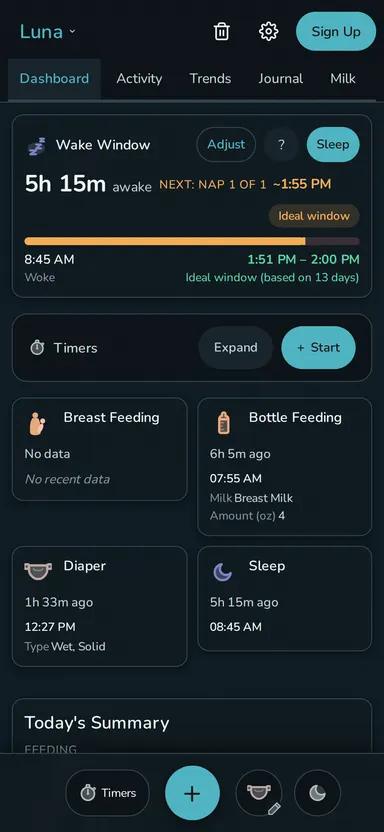
Seven modules you can reorder and toggle, with "Right Now" pinned at the top. Status tiles are the core: cards that show how long since the last feed, diaper, nap, or anything else you track. Each tile is configurable with warn and critical thresholds, callouts that pull data from the event's fields ("Left side," "120 ml," "Tylenol 5 ml oral"), label and icon overrides, and a tap action of your choice. The settings page shows a live preview using your actual data, so you see exactly what the tile will look like before you save.
Each baby gets their own set of tiles. A newborn might have Breast Feeding, Diaper, and Sleep with tight thresholds, while a toddler gets Potty, Meals, and Medicine with looser ones. Switch babies, and the whole dashboard switches with you.
See how Rhythm changes from baby tracking into toddlerhood →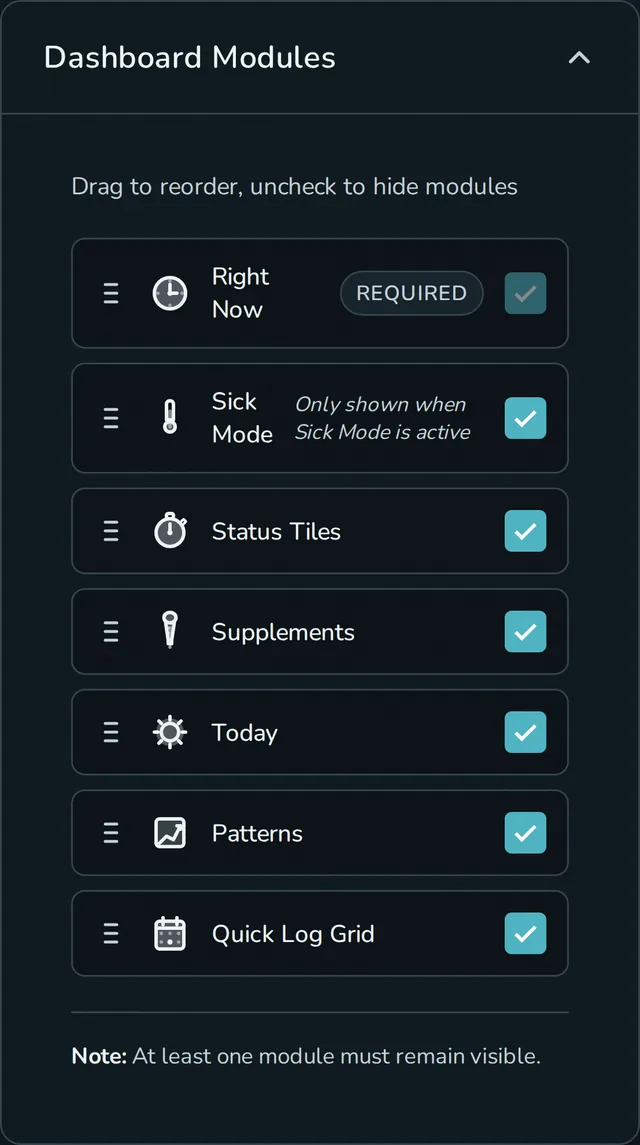
Quick actions.
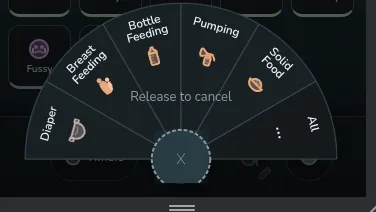
A radial dial activated by long-press holds your five most-used event types: drag toward a wedge to log, release in the center to cancel. Four sidebar slots around it can be configured for repeat-last, edit-last, quick note, timer, toggle Midnight Mode, toggle Calm Mode, or switch babies, whatever you reach for at 3 AM with one hand.
The Glass Box.
Rhythm looks at your baby's sleep data and finds patterns: typical wake windows for their age, how the last week compares, which days looked similar to today. Every suggestion comes with an explanation of where the number came from: how many naps or nights it's based on, which method (age-based, personalized, or your manual override), and what the app doesn't know.
If the suggestion doesn't work, you can adjust the wake windows yourself, globally or per nap position (different targets for nap 1 vs. nap 2 vs. bedtime). Your settings always take priority. The wake-window guide explains the age-based, personalized, and manual paths.
See how pattern insights work →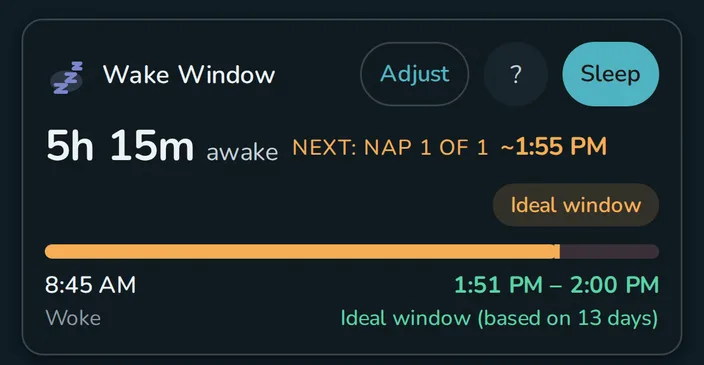
Midnight Mode.
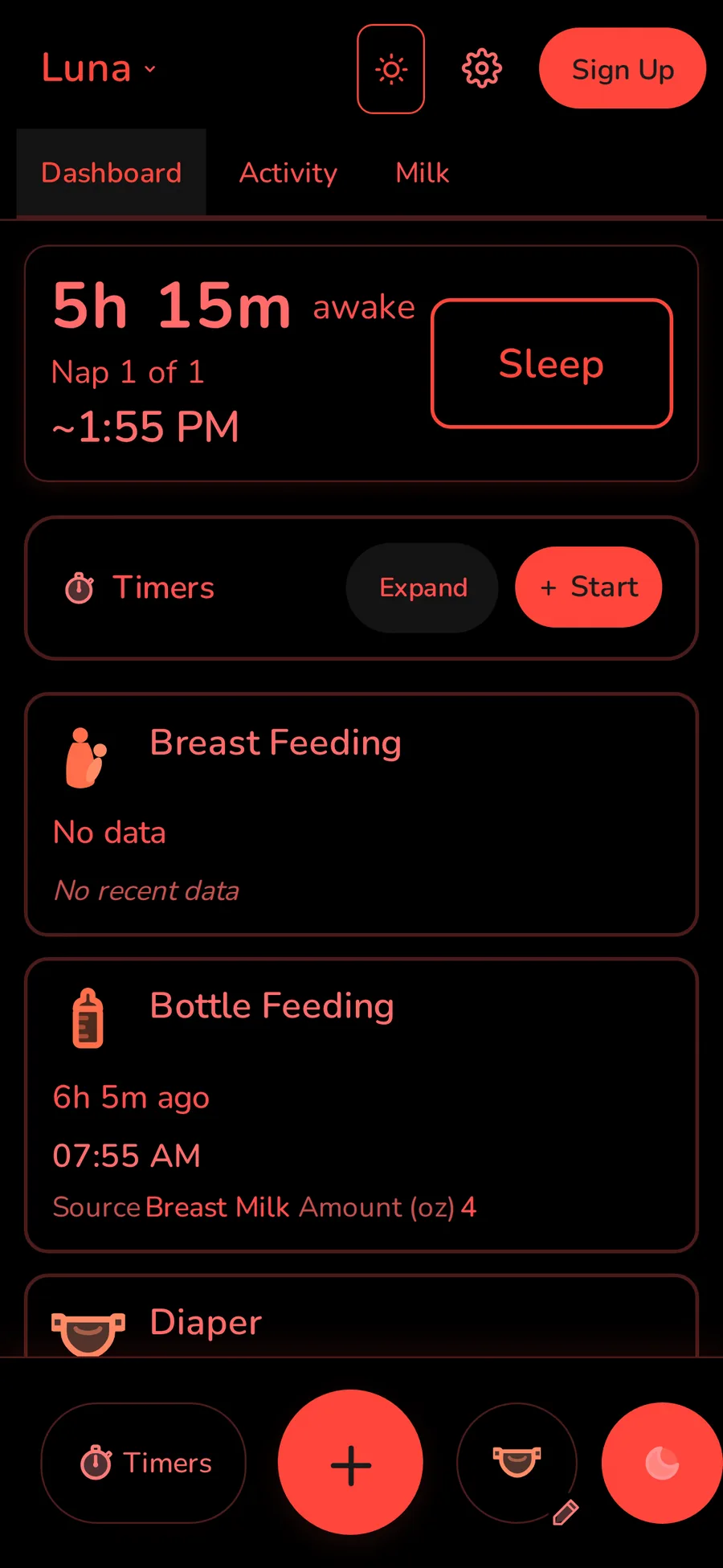
True OLED black with red-shifted light to preserve your night vision. Tap targets get bigger, text zooms slightly, and it can run on a schedule, kick in automatically when your phone detects low light, or both. If you dismiss it manually, it won't re-trigger for 30 minutes.
The app also prevents a white flash on launch, so opening Rhythm at 3 AM doesn't light up the room before the UI loads.
Milk Stash.
Log bags as you pump: number of bags, volume, storage location (freezer or deep freeze), and date. Mark bags used when you feed, with FIFO ordering so the oldest get used first. Track donations given and received.
Rhythm calculates days of supply from a rolling average of what your baby actually eats. Set a stash goal and the app estimates when you'll hit it based on your daily surplus. Expiration dates follow CDC guidelines (6 months freezer, 12 months deep freeze) with warnings when bags are expiring soon.
See pumping, stored bags, feeds, and donations in one workflow →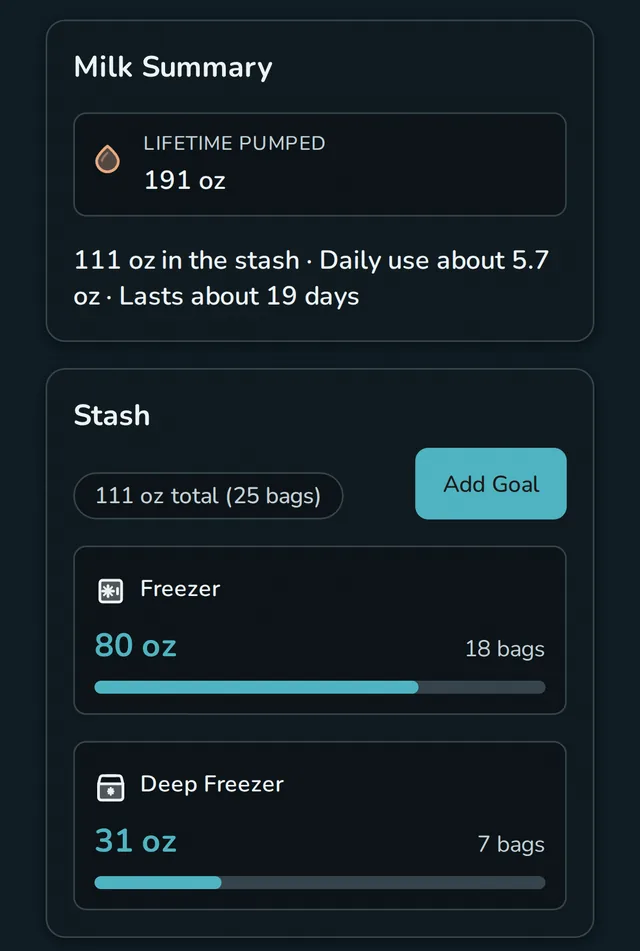
Calm Mode.
Baby trackers tend to create the anxiety they're supposed to relieve: overdue timers in red, push notifications telling you to start a feed. Rhythm has colored borders and times-since-last-event with configurable thresholds, because that's what a tracker does. But when those numbers start performing urgency at you instead of helping, Calm Mode turns them off.
Elapsed times become vague ("a few hours ago" instead of "2h 34m"), warning borders disappear, and predictions, pattern analysis, and night sleep statistics all hide. The app still tracks everything (you can switch back to full precision anytime), but the dashboard stops telling you you're behind. Put it in a sidebar slot and it's one tap away.
Make it yours.
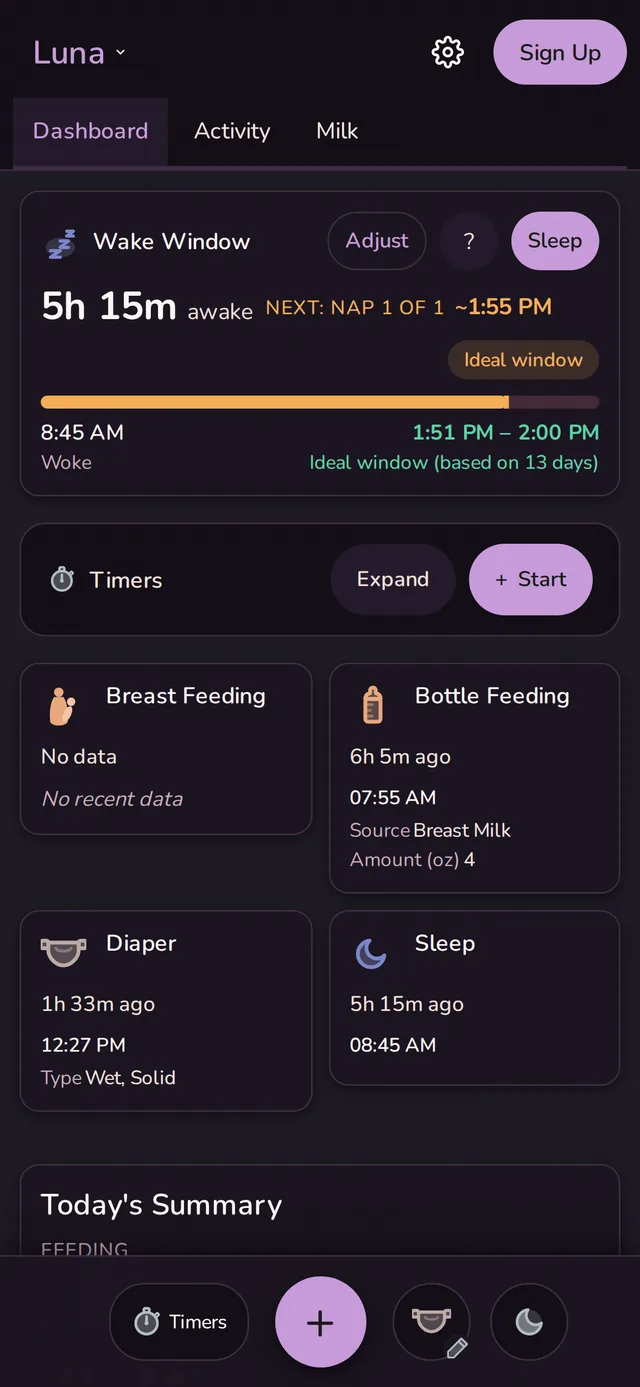
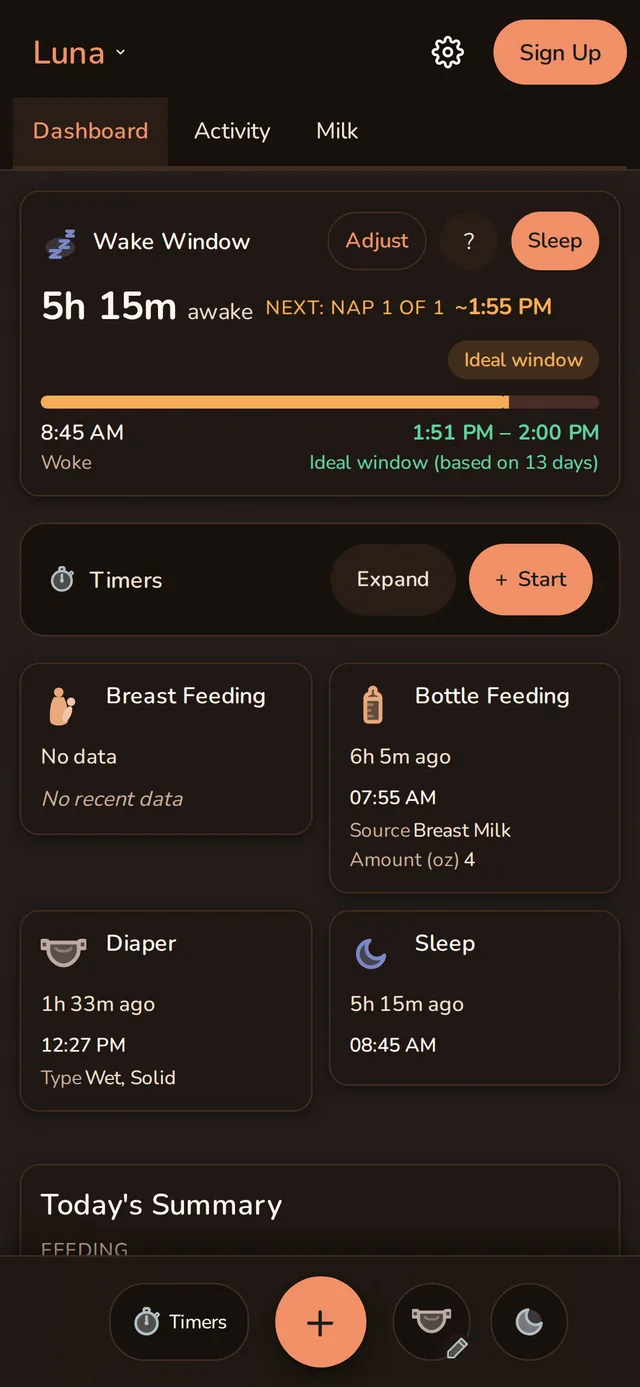
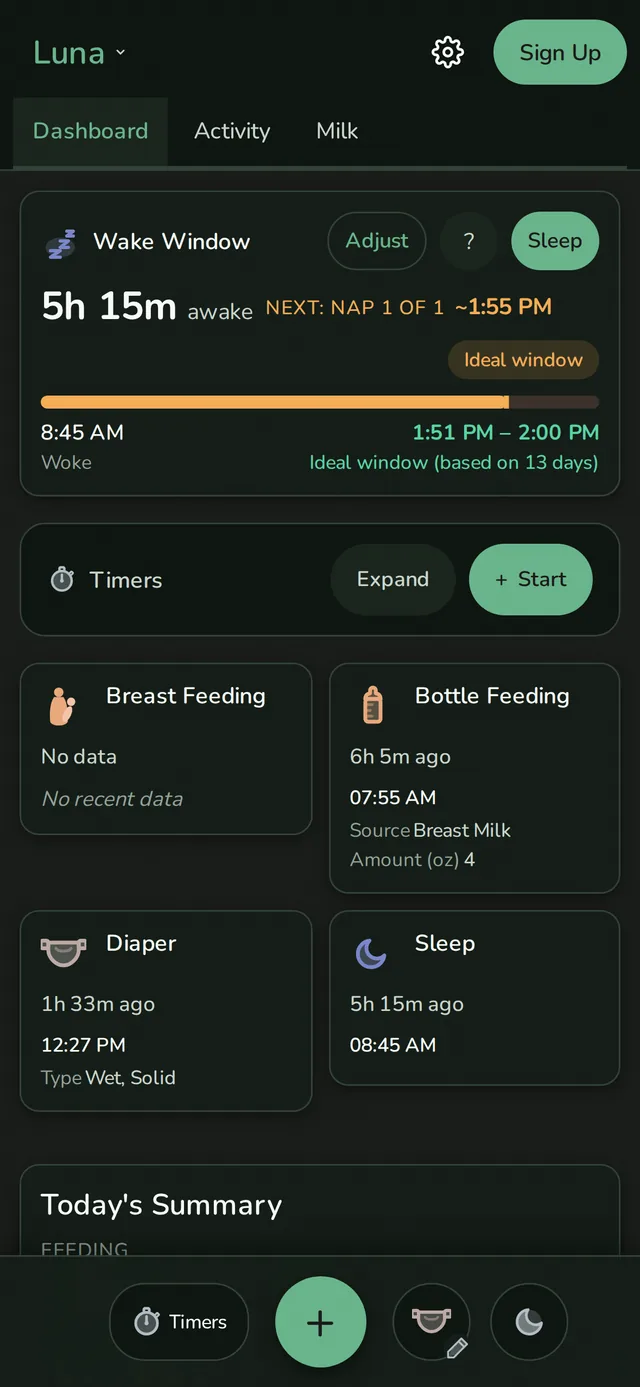
Eleven themes, each in light, dark, and midnight, plus a System option that follows your OS preference. If none fit, build your own with the custom color picker, which validates WCAG contrast ratios in real time and suggests fixes if your choices aren't readable. Two font options: Nunito (friendly, rounded) and Atkinson Hyperlegible (designed for low-vision readability).
Your data stays here.
By default, Rhythm is local-first: your data lives on your device. I don't see it, I don't want to see it, and I don't sell it. All analytics and predictions run on your phone, not a server.
If you want to sync with a partner or back up your data, that's $5/mo per household, with your data encrypted in transit and your backups encrypted.
One thing to know: Rhythm is a web app, and browsers can evict local storage under pressure, especially Safari on iOS. If you're using the free tier on one device, export your data periodically (always free, in JSON, no subscription required). Sync is the most reliable way to keep it safe long-term.
See what works without an account and when sync is safer →Being a web app also sets the boundaries: it works in any modern browser and installs to your home screen without an app store, and it updates itself. But there are no home-screen widgets and no Apple Watch app. If those are must-haves for you, Rhythm isn't the right fit yet.