Private by default
A baby tracker with no account required.
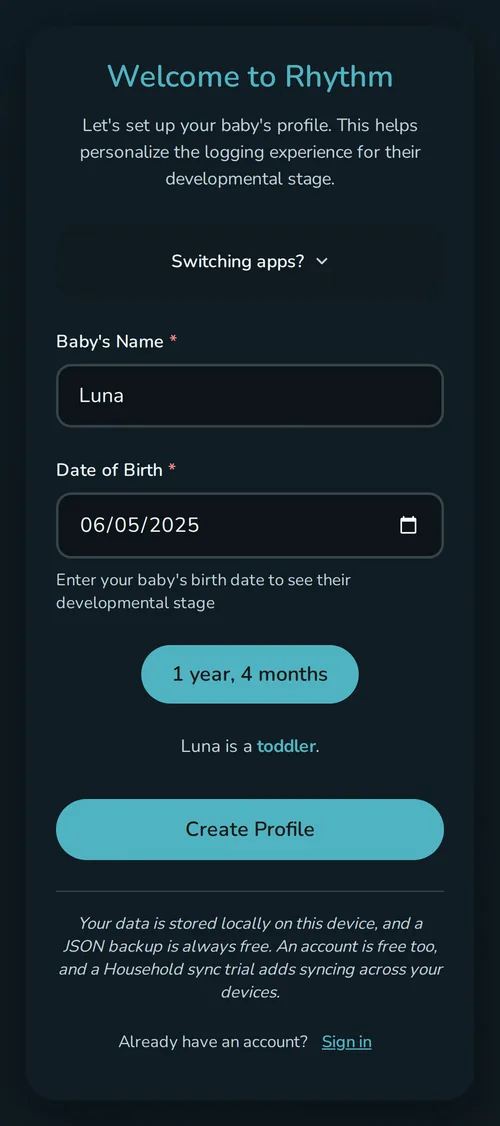
Rhythm keeps your baby's log in your browser instead of on a server. Open it and log the first event: no name, no email, no account.
Sync is optional. If you turn it on, a copy goes to my servers, and I can technically read it. I don't sell it or use it for ads, and the privacy policy covers the rest.
Local-first has a benefit and a tradeoff
The benefit
The tracker works offline and the free version does not need an account. Your browser stores the baby profiles, events, settings, and history on that device.
The tradeoff
Browser storage is not an indestructible vault. Clearing site data removes the local record, and a browser or device can evict storage even though Rhythm asks it not to.
JSON backup and CSV export are free. If you stay local, export periodically. If losing the record or keeping two devices current would be a serious problem, household sync adds server sync and backup.
Private does not mean isolated
Free local mode keeps the record on one device. Household sync sends a copy to my servers so invited caregivers see the same history. It is encrypted in transit and my offsite backups are encrypted, but sync is not end-to-end encrypted yet. I don't sell synced records, use them for ads, or train AI on them. The privacy policy has the full breakdown.
This site counts a fixed set of page and button events, with no cookies or persistent identifiers.
What works without an account
Tracking, custom event types, themes, wake windows, the milk stash, import, JSON backup, and CSV export all work with no account and no payment. An email address is only needed if you create an account for household sync.
Questions
What happens if I clear browser data?
The local record can be removed. Export a JSON backup periodically or turn on household sync if a server backup is important to you.
Can I export everything?
JSON is the full backup format. CSV puts the event history into a spreadsheet-friendly file. Both are available without a subscription.
Last updated: September 2026